
Check the chip before the feature list
We make Chart Cottage. This is a task-based comparison, with rival facts read on 21 November 2026. Do not buy a Mac app until you know whether your machine has an Intel chip or Apple silicon. Find that in About This Mac. Then try your own picture before committing to a long project.
| Option | Mac support or setting | What to weigh |
|---|---|---|
| Stitchmate | macOS 12 Monterey or later. One download covers Apple silicon and Intel | full, half and quarter stitches, backstitch and French knots |
| Stitchly | Apple M1 chip or later | 1/4, 1/2 and 3/4 stitches and French knots |
| MacStitch | macOS 10.14+ | 30 thread makers |
| Stitch Fiddle | Browser (all platforms) | cloud sync |
| Chart Cottage | Apple silicon Macs today | Photo conversion, automatic clean-up and a printable thread key. |
Try a difficult face, not only a logo
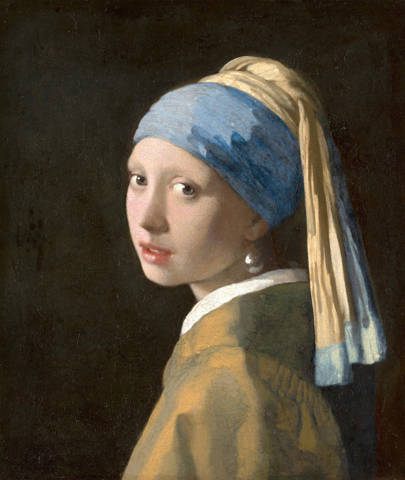
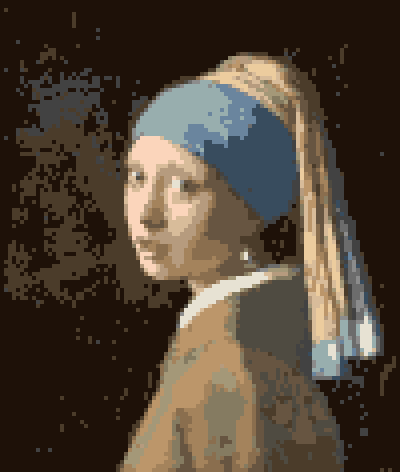
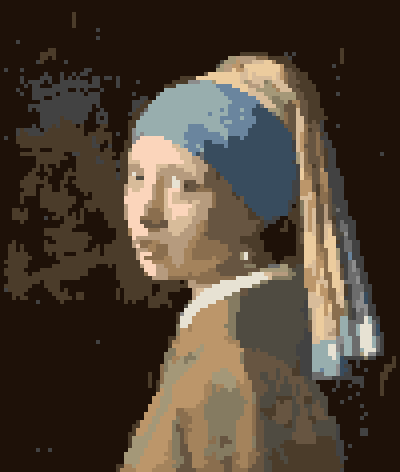
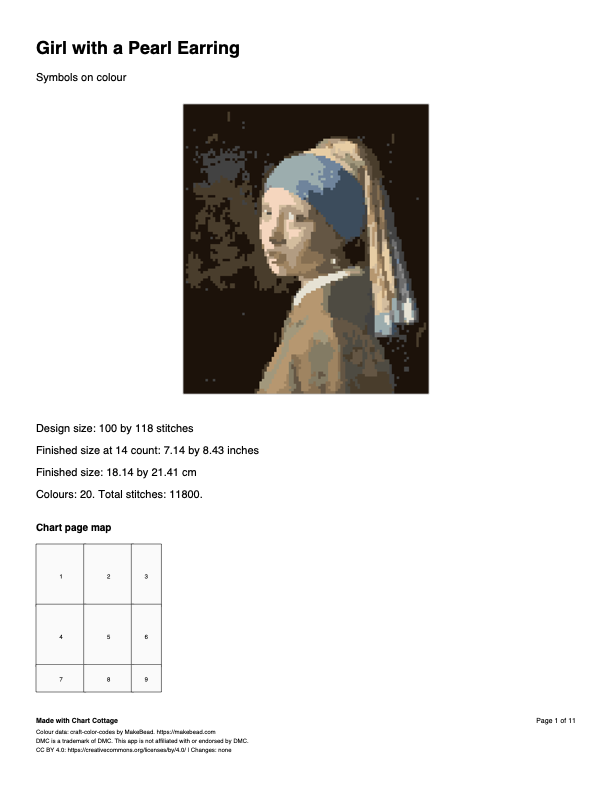
The Vermeer example above puts skin, dark cloth and a pale highlight in the same chart. Look at the edge of the cheek and the light in the earring. A smaller confetti share does not tell you whether the face still looks right. Compare those areas at normal viewing distance before you count saved thread changes.
The background still has separate patches after clean-up. A closer crop would spend more of the grid on the face. This whole-image test is useful because it shows the cost of keeping the surroundings. It is not a promise that every portrait needs the same palette or size.
Match the job to the tool
For drawing a chart from scratch, think about the stitch types and thread brands you already use. For photos, inspect eyes, hair and sharp edges after conversion. For a browser workflow, decide whether saved work belongs on your device or in a cloud account. Those choices matter more than a single ranking.
For the current price models, use the price guide linked below. It separates a paid PDF from an app licence, so a cheap first chart does not hide the cost of later projects.